Documentation
Everything you need to get started, integrate, and get the most out of Topogy.
GitHub
Topogy has an app on GitHub which enables us to understand your code, how it affects cost, and correlate PRs with changes in your infrastructure. In order to take advantage of these capabilities, you need to install the Topogy app on GitHub, then enable the GitHub integration in Topogy, supplying your organization name.
Installing GitHub App
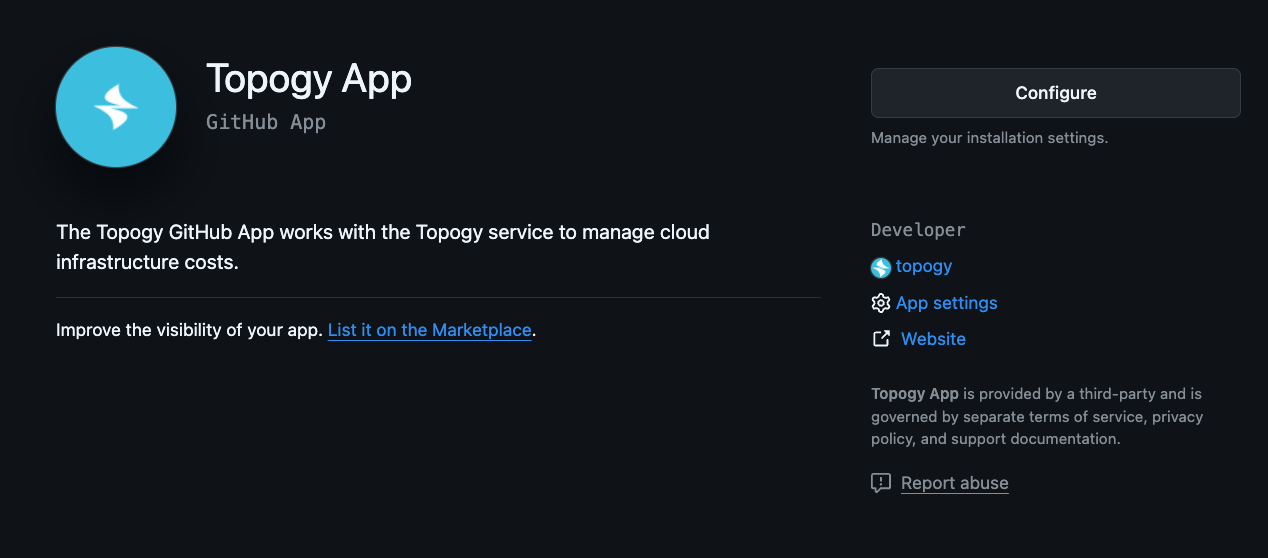
- Click Install:
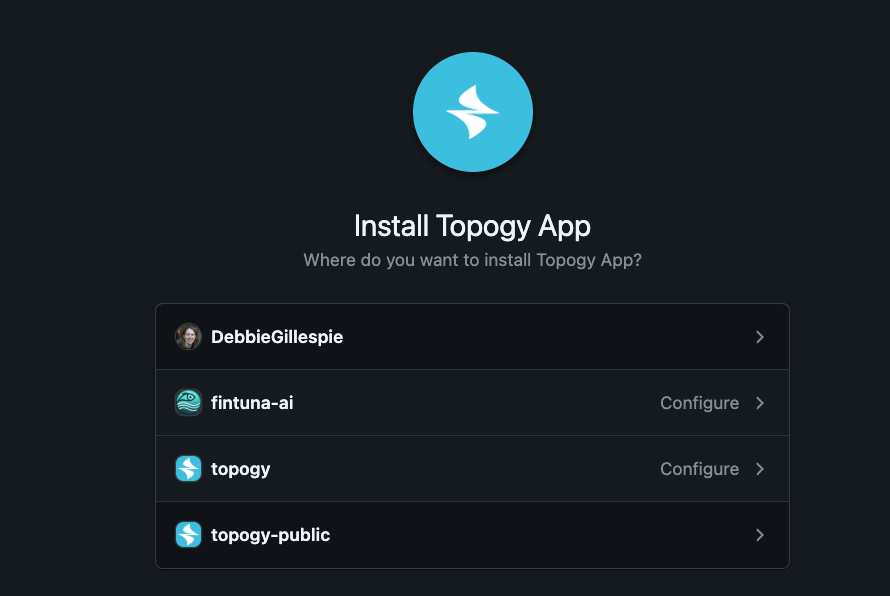
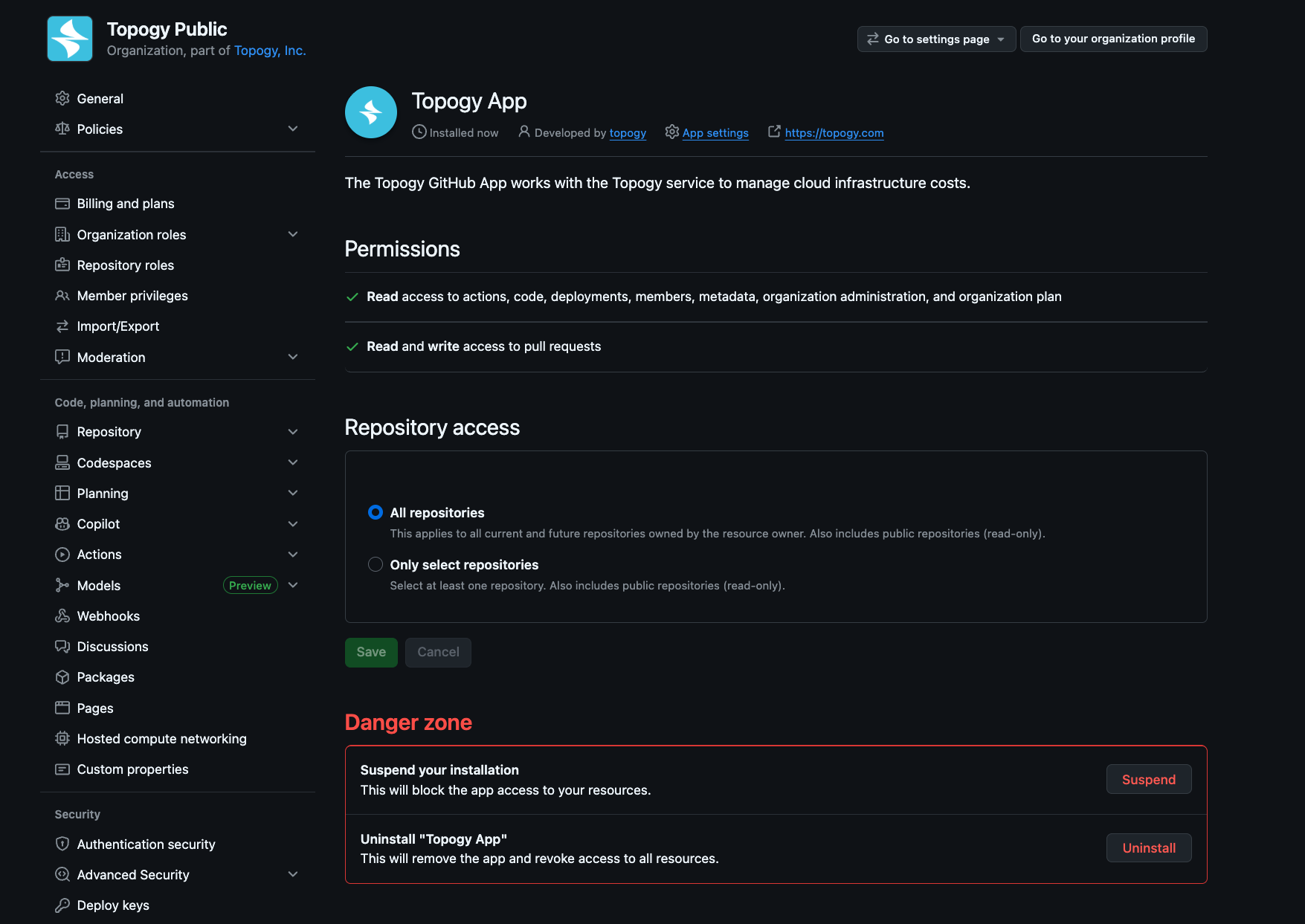
- Click the org you want to install to. You can also select specific repositories to include, or just allow all.
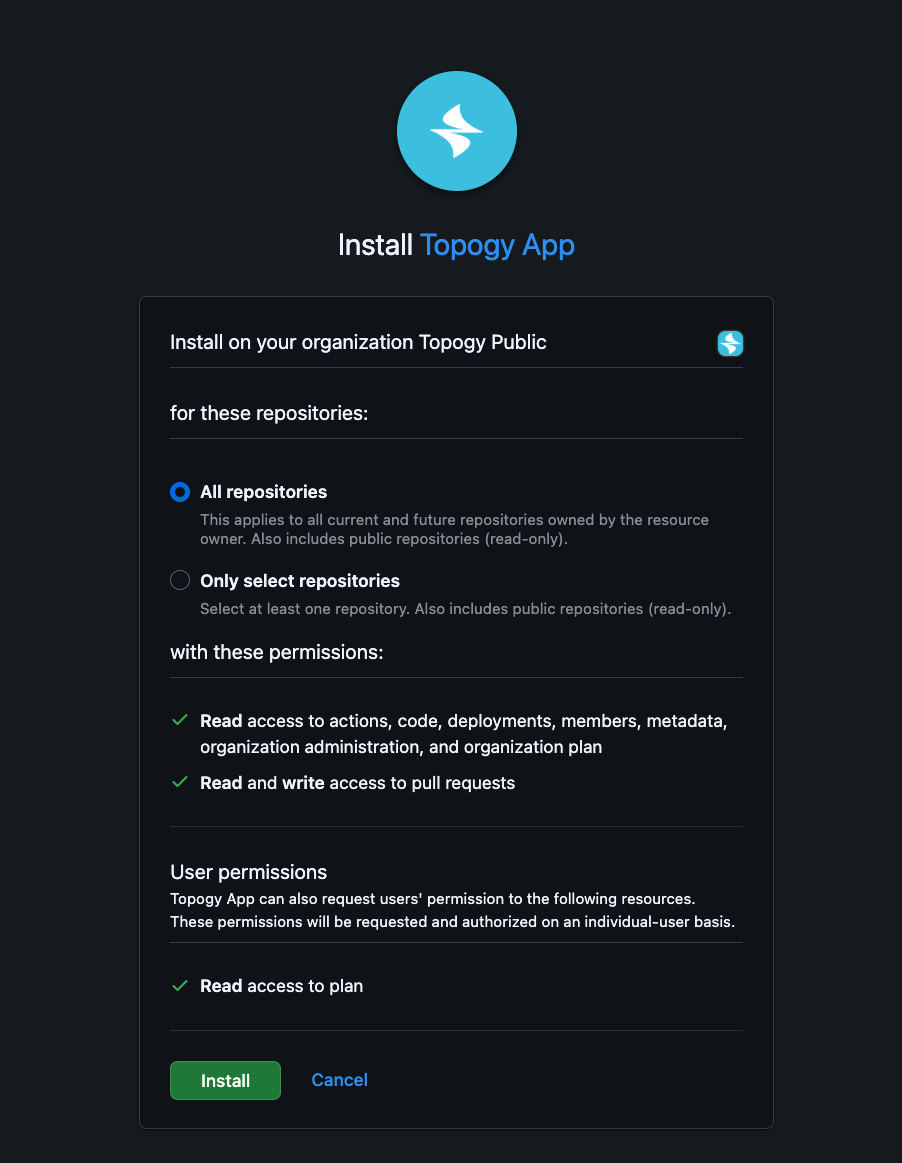
- Click Install:
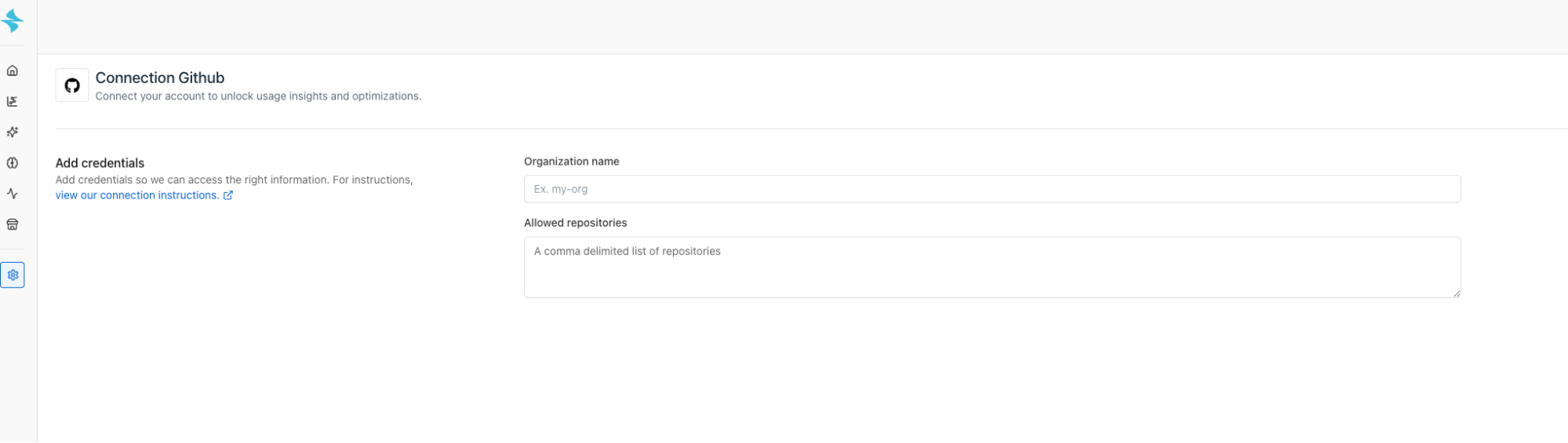
Add integration in Topogy
Now, you can add the GitHub integration in Topogy, simply enter your full organization name, which you can find in your github URL, for example https://github.com/**fintuna-ai**/
Managing the installed GitHub App
Once you've installed the Topogy app, you can find in your app list from your organization's home page:

Click Settings:
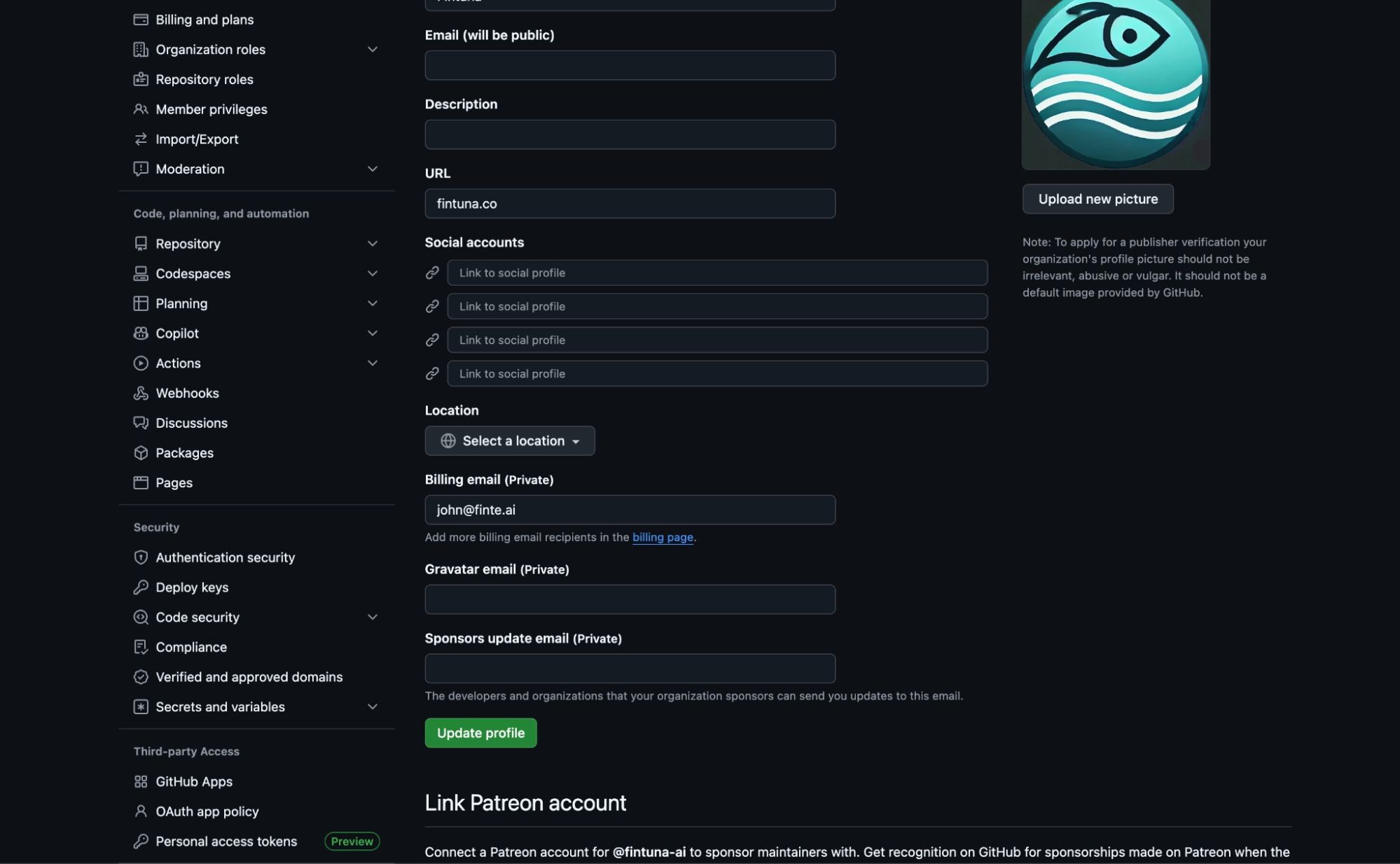
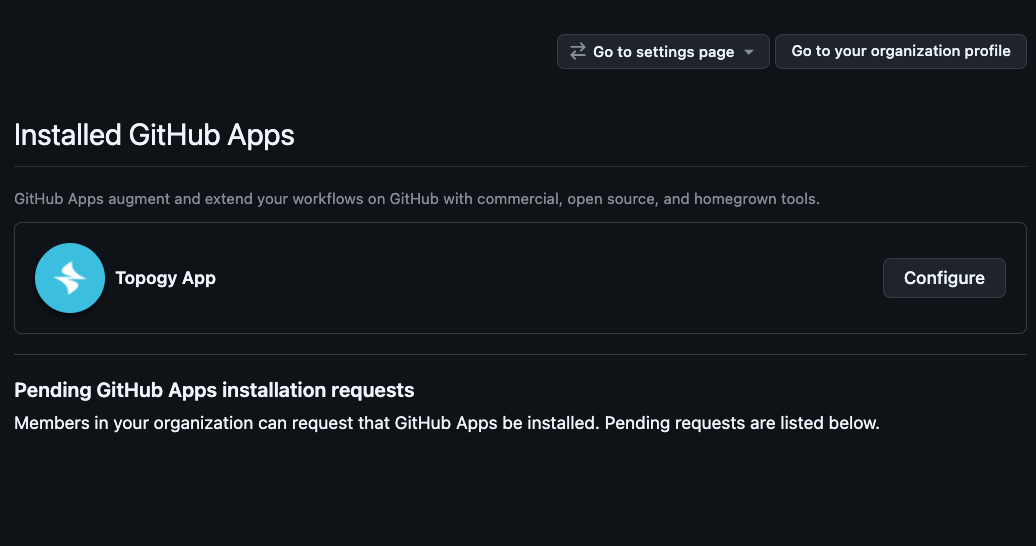
Scroll down on the left side to Third-party Access, and GitHub Apps: