Documentation
Everything you need to get started, integrate, and get the most out of Topogy.
GitHub
Topogy connects to GitHub to bring your code and pull requests into the same picture as your planning artifacts and agent activity. Pull requests are correlated with the tickets and AI sessions that produced them, so you can trace a change from an opened PR to its merge — and see how much AI contributed along the way. You choose how much access to grant: full access unlocks Topogy's system graph and other source-derived views built from your repository contents, while pull-requests-only access shares PR and org data without ever sharing your code.
Prerequisites
Any Topogy user with the Integrations write privilege can connect GitHub. This isn't specific to GitHub — it's the same privilege required to add or manage any integration, so check your role under Topogy's Settings → Roles if the Connect button isn't available to you.
Connecting GitHub
- In Topogy, go to Settings → Integrations and choose GitHub. Choose an access level — Full access (the default) lets Topogy read your repository contents and unlocks System Graph, Knowledge, and codebase rules alongside PR analytics; Pull requests only shares pull requests (including their changed lines), PR analytics, the AI leaderboard, and org structure, without sharing your repository contents. Then click Connect to GitHub.
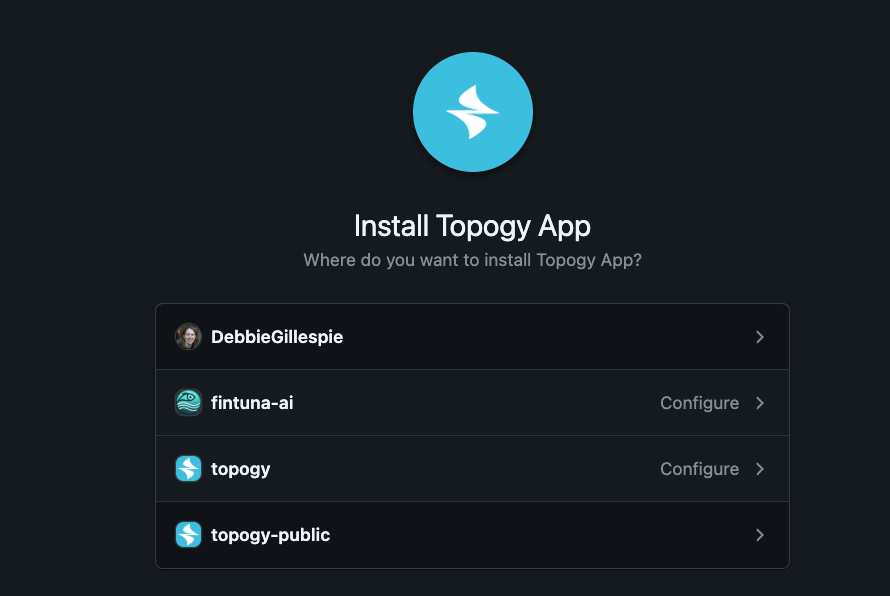
- Authorize the connection through GitHub's OAuth screen — you'll be asked to authorize Topogy ASI.
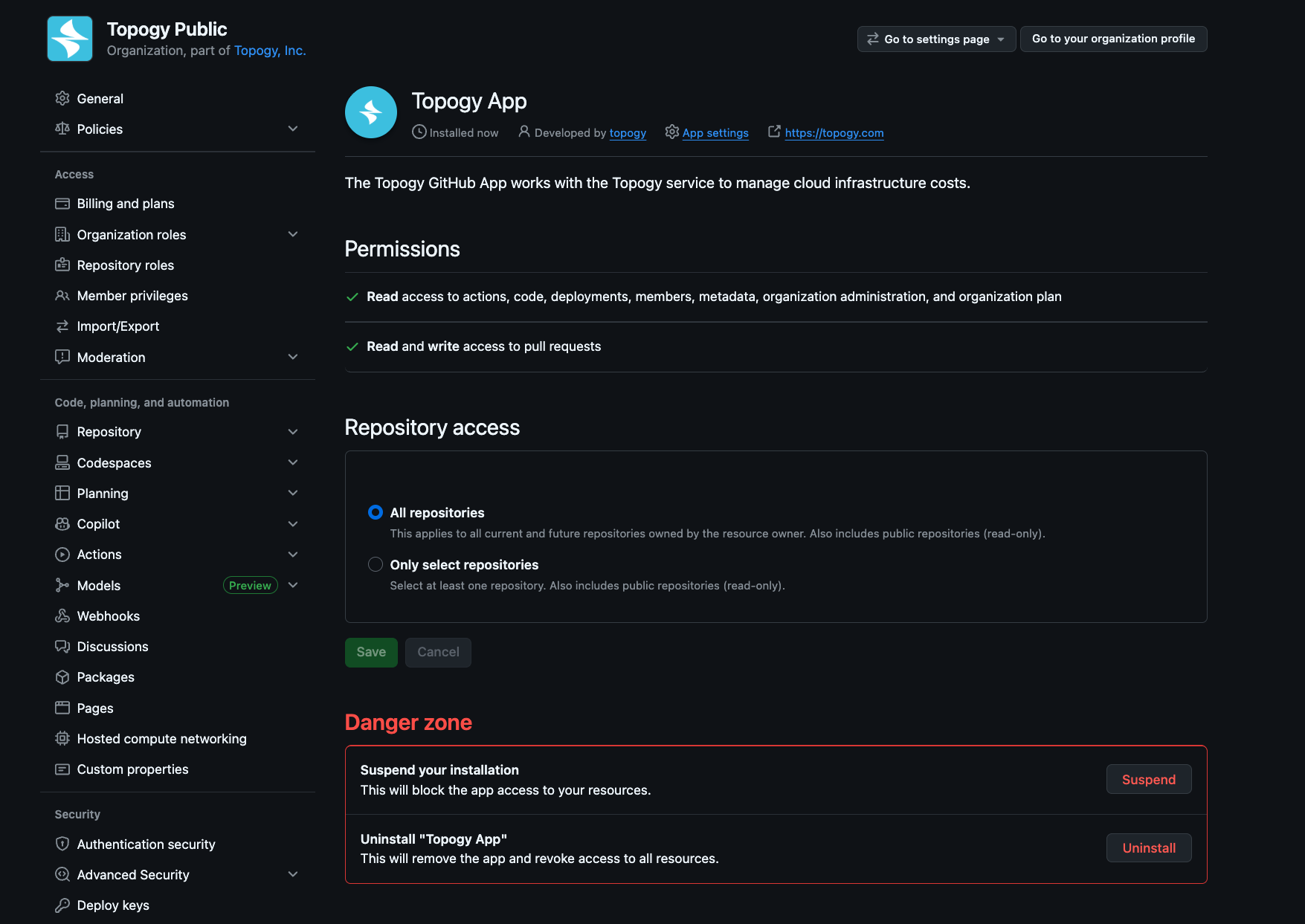
-
Once authorized, Topogy shows the organizations and repositories available. Archived and forked repositories are excluded by default — enable them individually if you want them included.
-
Save your selection. Topogy begins syncing pull requests from the included repositories.
What Topogy receives
For each connected repository, Topogy always captures pull request title, description, and lifecycle (e.g. opened, reviewed, merged, or closed), including the changed lines within them; branches; and your GitHub organization's members and teams, used to attribute changes to the people who made them. With full access, Topogy also receives repository contents and file trees, which it uses to build the system graph. With pull-requests-only access, repository contents are never shared.
What Topogy does with it
Pull requests are correlated with the tickets and agent sessions that produced them, so you can trace a change from an opened pull request through review and merge — and understand how much AI contributed along the way. With full access, repository contents also keep Topogy's system graph current as your code evolves, unlocking source-derived views like Knowledge and codebase rules. You can start with pull-requests-only access and grant full access at any time from the integration's settings page — no need to reconnect from scratch.
For help during setup, reach out to your Topogy contact or email support@topogy.com.