Documentation
Everything you need to get started, integrate, and get the most out of Topogy.
Connecting Topogy
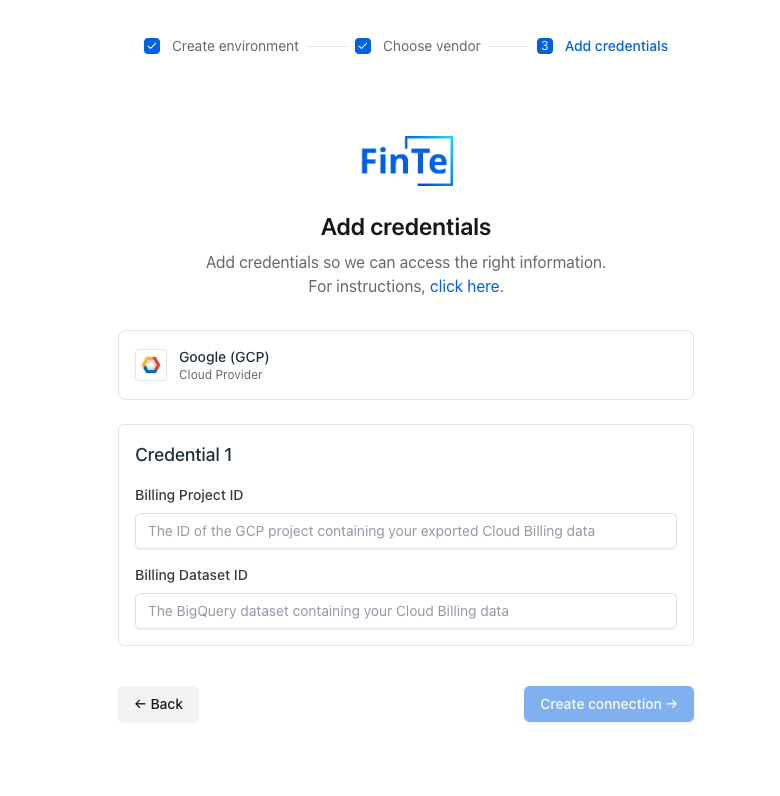
Once you've created and permissioned your service account, and set up your Billing BigQuery table, then you can integrate with Topogy. You'll need the Billing Project name and dataset name. Open the GCP integration and enter these values into the appropriate fields, and click "Create connection".
Note that GCP will take a day or so to start filling in billing and usage information into the BigQuery table, so you won't immediately be able to see any of that information in Topogy.