Documentation
Everything you need to get started, integrate, and get the most out of Topogy.
Enabling Service APIs
Topogy needs access to several APIs in order to introspect resources, utilization, and optimizations within GCP. Unfortunately these need to be enabled for each project in your organization. This can be accomplished easiest through the Terraform path, or through this simple gcloud script:
bash
for project in $(gcloud projects list --format="value(projectId)")
do
  echo "Enabling APIs for Project: $project"
  gcloud services enable cloudresourcemanager.googleapis.com --project=$project
  gcloud services enable cloudasset.googleapis.com --project=$project
  gcloud services enable monitoring.googleapis.com --project=$project
  gcloud services enable cloudbilling.googleapis.com --project=$project
  gcloud services enable recommender.googleapis.com --project=$project
  gcloud services enable compute.googleapis.com --project=$project
done
If you would still prefer to do this through the console, then you'll need to perform the following for each project in your organization:
Select the project in the resource selector
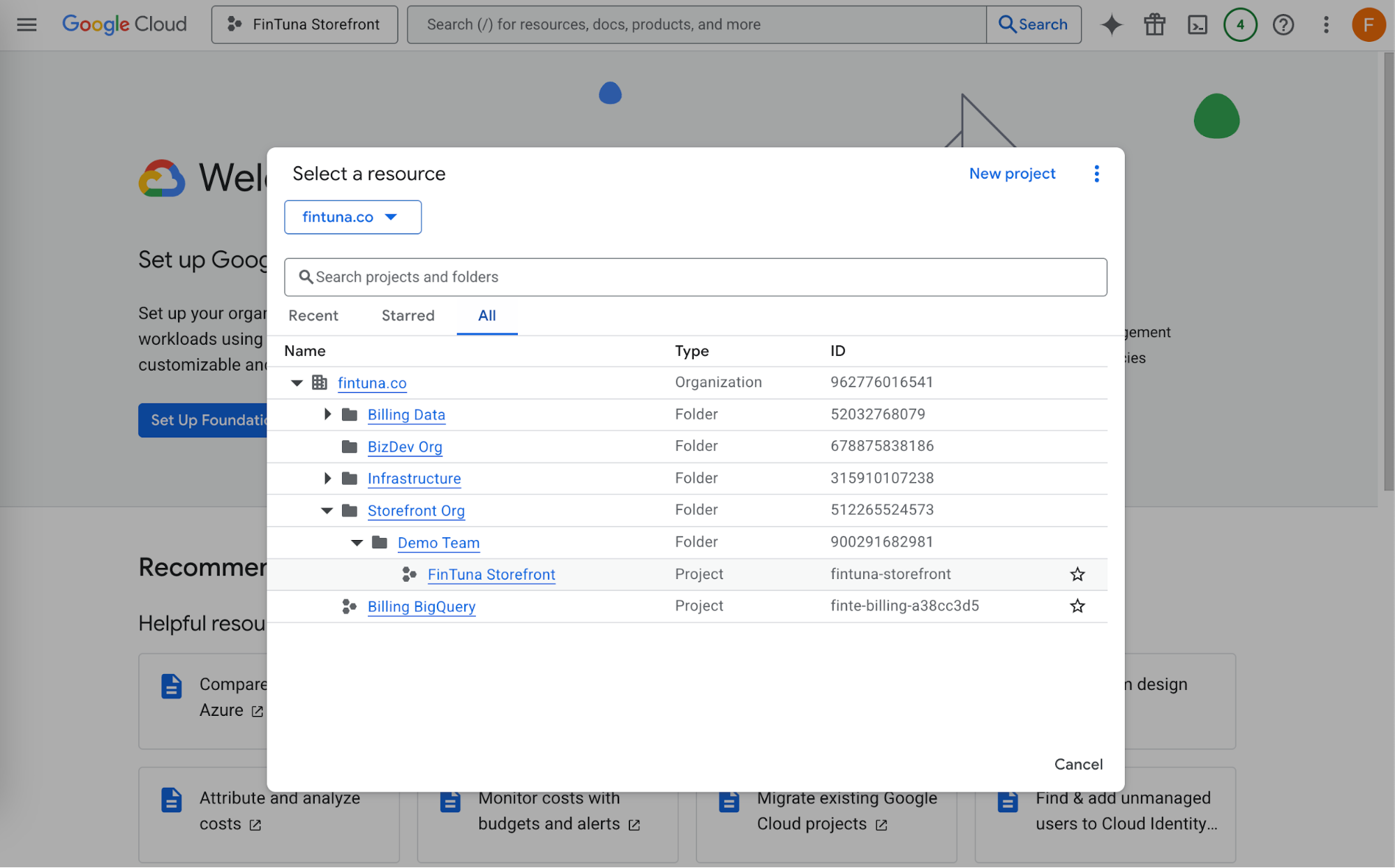
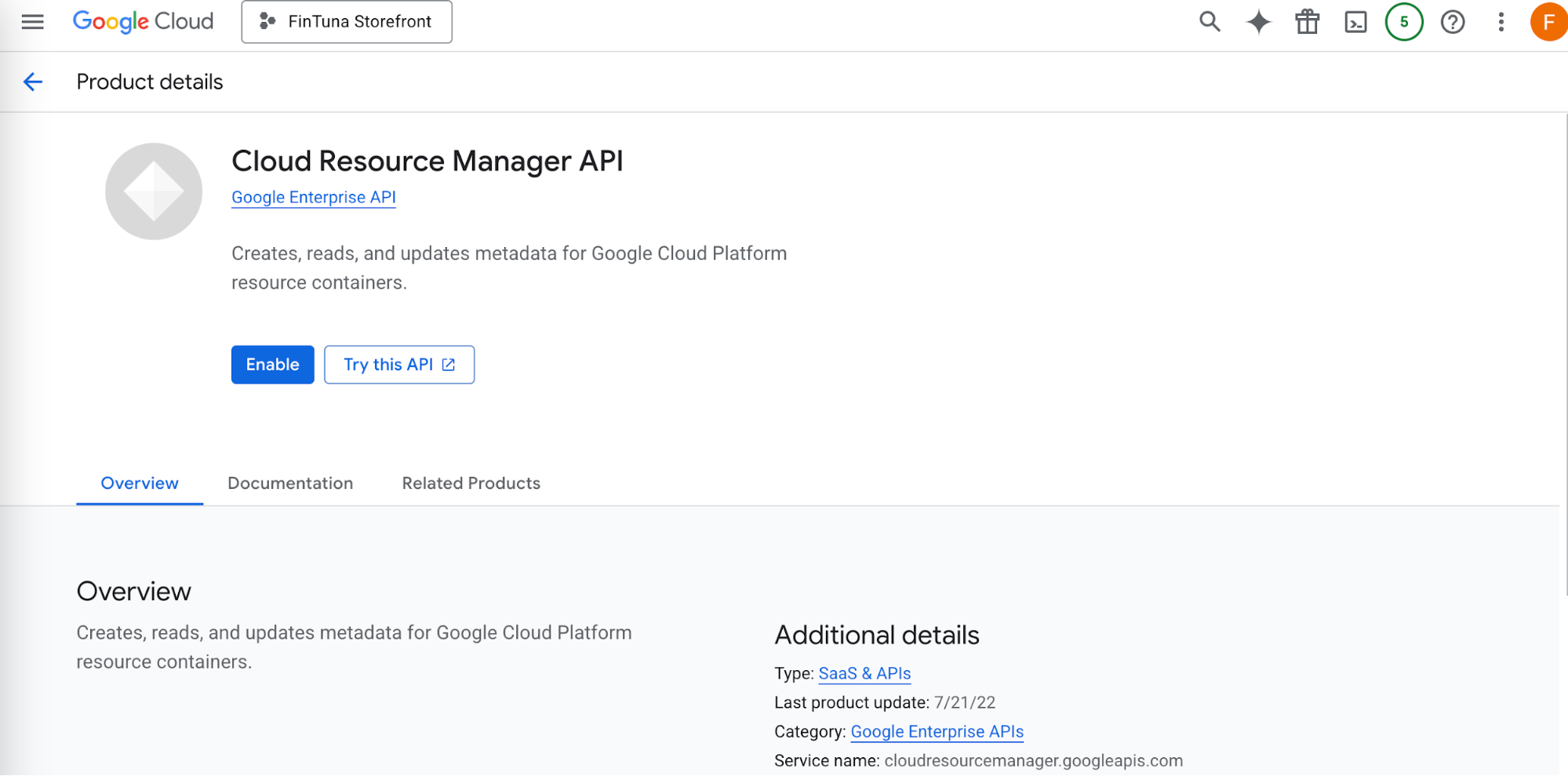
Click on each of these links, and in the page should open with the project selected; click Enable to enable it for that project:
- Cloud Resources API - enables traversal of folders, projects, and resources
- Cloud Assets - allows traversal of resources under a project
- Cloud Monitoring - provides data on utilization of resources
- Cloud Billing API - provides pricing and budget details
- Recommender API - allows access to GCP optimizations
- Compute Engine API - allows access to see resource-based CUDs
Repeat for all of your projects.
Next step: Setup Billing