Documentation
Everything you need to get started, integrate, and get the most out of Topogy.
Grant External Service Account Access to BigQuery Dataset
You will also need to grant the external service account the ability to view the BigQuery Dataset.
Steps to grant access
-
Access the BigQuery Studio.
-
Access the all_billing_data dataset that you created.
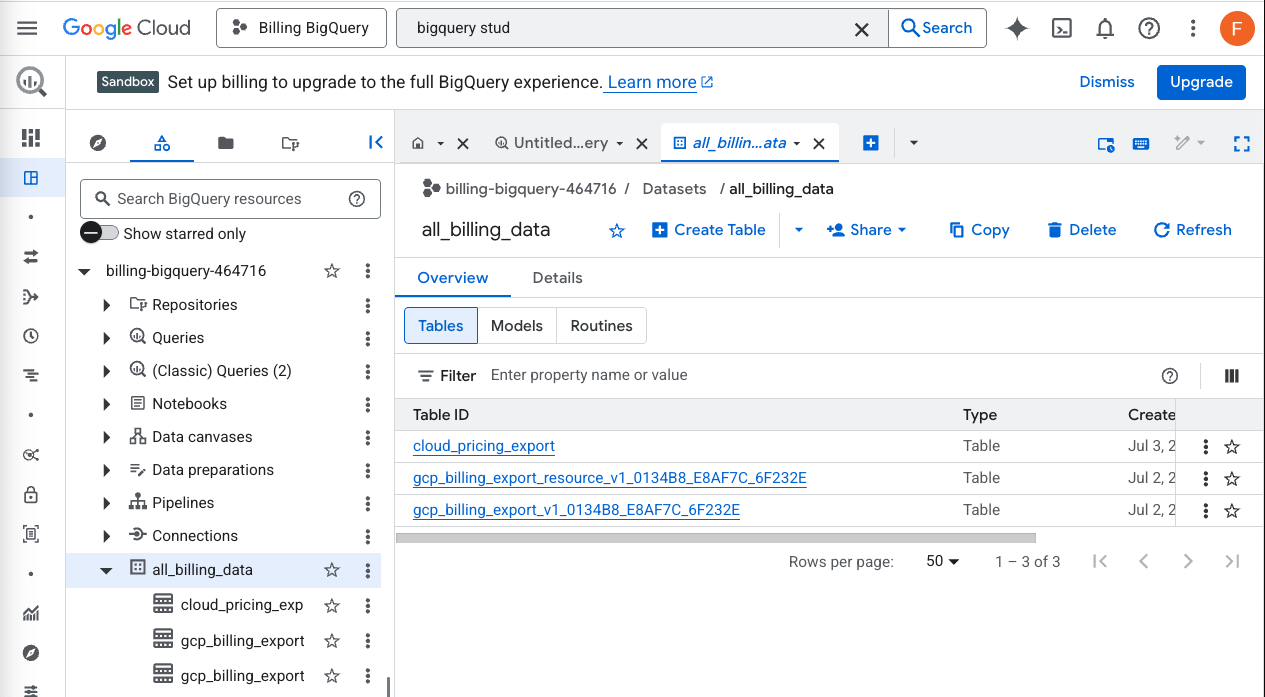
- Click on the "Share" button along the top
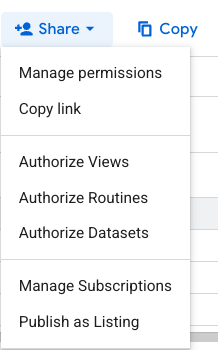
- Select "Manage Permissions" from the dropdown menu
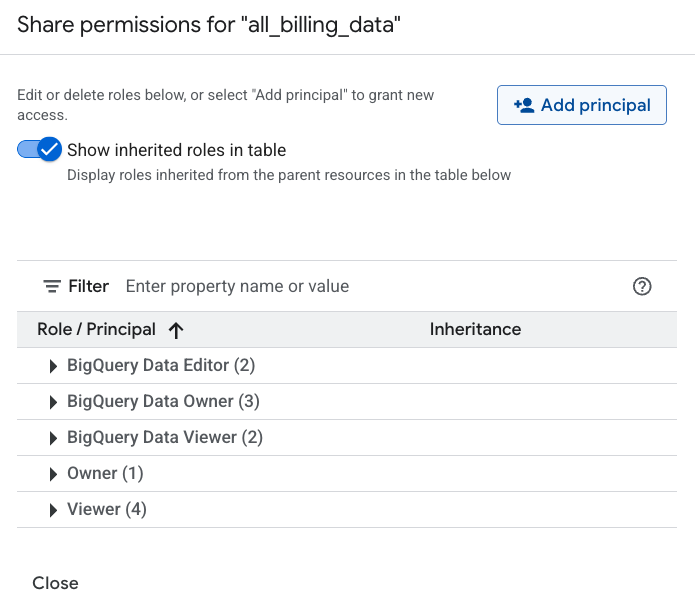
- Click the "Add Principal" button in the upper right
- Paste in the "email address" for the Topogy Service account that you will be granting access to.
- Under "Assign roles", select the role BigQuery Data Viewer
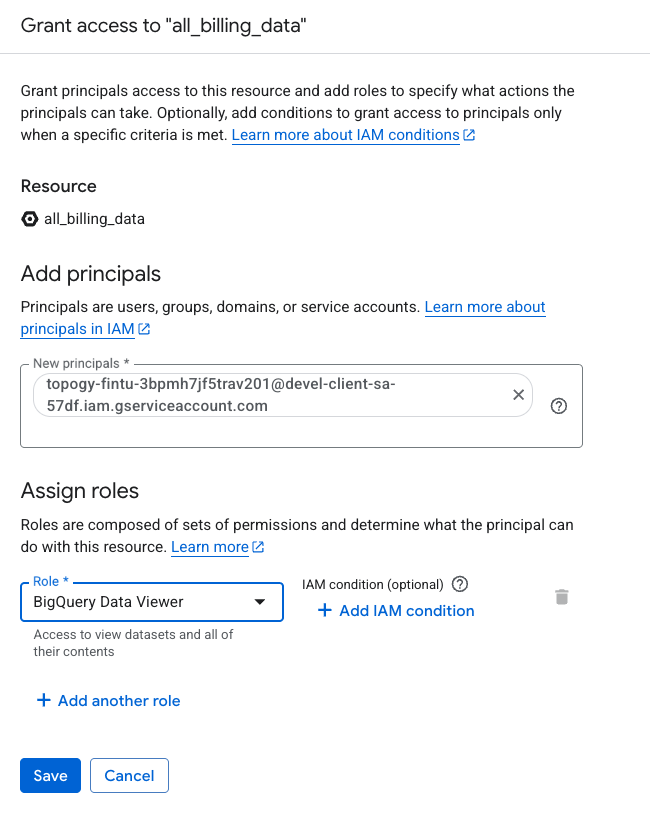
- Click "Save"
Next step: Add to Topogy